You bought a 20-hour course. You don't have to spend 20 hours on it.
CourseSpeed is a Chrome extension that adds finer playback-speed control to course videos on Udemy, Coursera, LinkedIn Learning and Skillshare — and writes timestamped AI notes while you watch. Install it, open a lesson, and get hours of your week back.
How learners use CourseSpeed
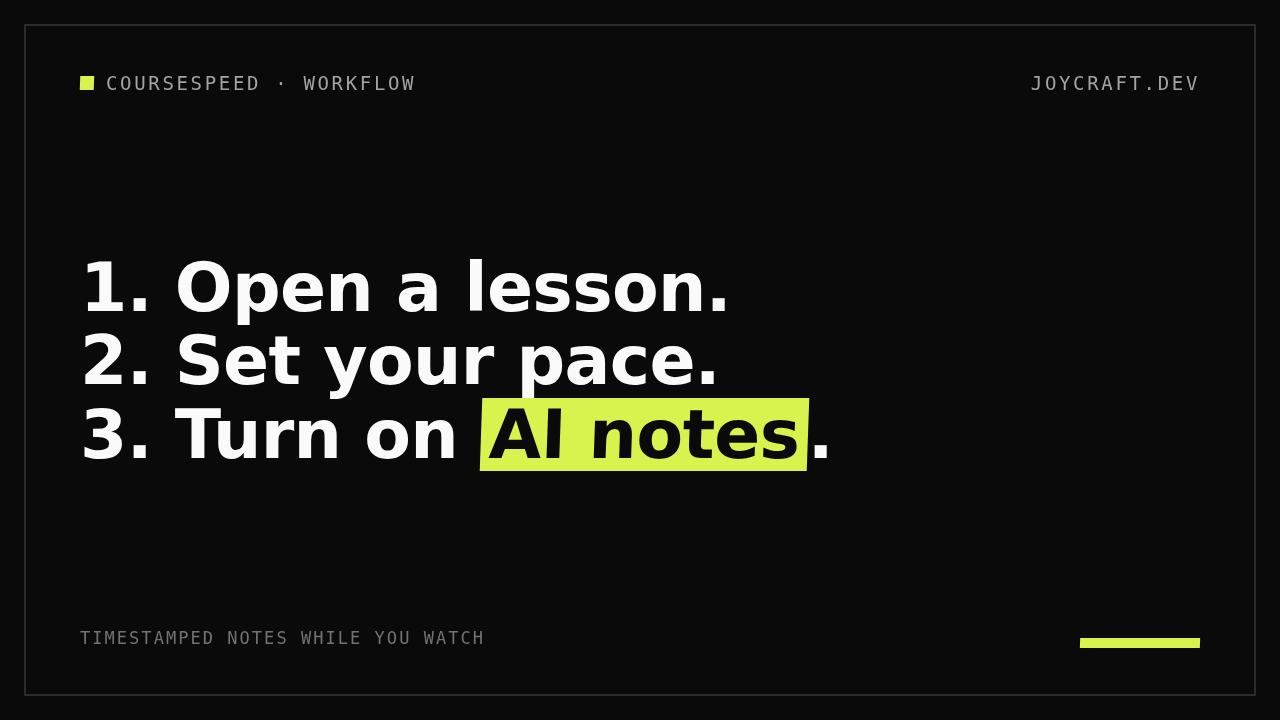
- 1. Open a lesson. CourseSpeed recognizes the course player on supported platforms. One click on the extension icon is all it takes — no settings screens, no setup wizard.
- 2. Set your pace. Go past the platform's built-in speed presets. Slow down for the dense parts, speed through what you already know, and match the pace to the material instead of the other way around.
- 3. Turn on AI notes. CourseSpeed generates timestamped notes and summaries from the lesson's audio and captions as it plays. Missed something? Click a timestamp to jump straight back to that moment.
That 20-hour certification course stops being a months-long project. Review before a Coursera deadline, skim a long Udemy section to find the part that matters, and let the notes catch what you'd otherwise rewatch.
New to it? Follow the CourseSpeed quick-start guide.
Permissions, in plain English
Browser extensions ask for permissions, and you should read them. Here is exactly what CourseSpeed asks for, and why.
- “Read and change data on the course pages where you use it.” CourseSpeed controls the video player and reads captions on that course page, so it can adjust playback speed and write notes. That is the entire job.
- “Nothing from other websites.” CourseSpeed does not read data from unrelated sites, other tabs, or your browsing history. Its reach stops at the course platform pages listed below.
- “Nothing tied to an identity.” No sign-in, no profile, no account data to protect.
If the install dialog ever shows permissions beyond these, pause and contact us before accepting — something would be wrong, and we'd want to know.
No account needed
Install it and start. No sign-up, no email address, no password.
CourseSpeed runs on the minimum data the job requires: your speed choices apply to the lesson in front of you, and your notes belong to your course — not to a profile of you. Read how CourseSpeed handles your data for the full picture.
What we can and can't speed up
CourseSpeed works on these platforms today:
- Udemy
- Coursera
- LinkedIn Learning
- Skillshare
That's the honest list — CourseSpeed does not cover all learning sites. Learning somewhere else? Tell us through the contact page and we'll take a look.
Free and Pro
Free — for as long as you need it.
- Full playback-speed controls, no time limit
- AI notes within a limited monthly allowance
Pro — for heavier study loads.
- A higher notes allowance
- Export your notes, so they outlive the course
Pro is a low monthly subscription. Current pricing is shown on the Chrome Web Store listing page, and the purchase happens there — joycraft.dev does not take your card details.
Questions, answered
What permissions does CourseSpeed need?
It reads and changes data on the course platform page where you use it — to control playback and read captions for notes. It does not touch unrelated websites or your browsing history. The full breakdown is in Permissions, in plain English above.
Do I have to create an account?
No. Install and use it. No sign-up, no email address, no password.
Where do my AI notes go?
Notes are generated from the audio and captions of the course you're watching, and they are not used for advertising or tracking. The details are in our privacy policy. See also the listing's privacy declarations on the Chrome Web Store.
Which platforms does it support?
Udemy, Coursera, LinkedIn Learning and Skillshare. If your platform isn't on the list, send us a request.
How do refunds for Pro work?
Pro purchases are made on the Chrome Web Store, so refunds follow the Chrome Web Store's refund policy. If something went wrong with your purchase, contact us and we'll help you sort it out.
CourseSpeed is made by JoyCraft. We collect the minimum data the product needs to run — no ad trackers, no cross-site profiling, and no sale of your data. See the privacy policy for exactly what that means.